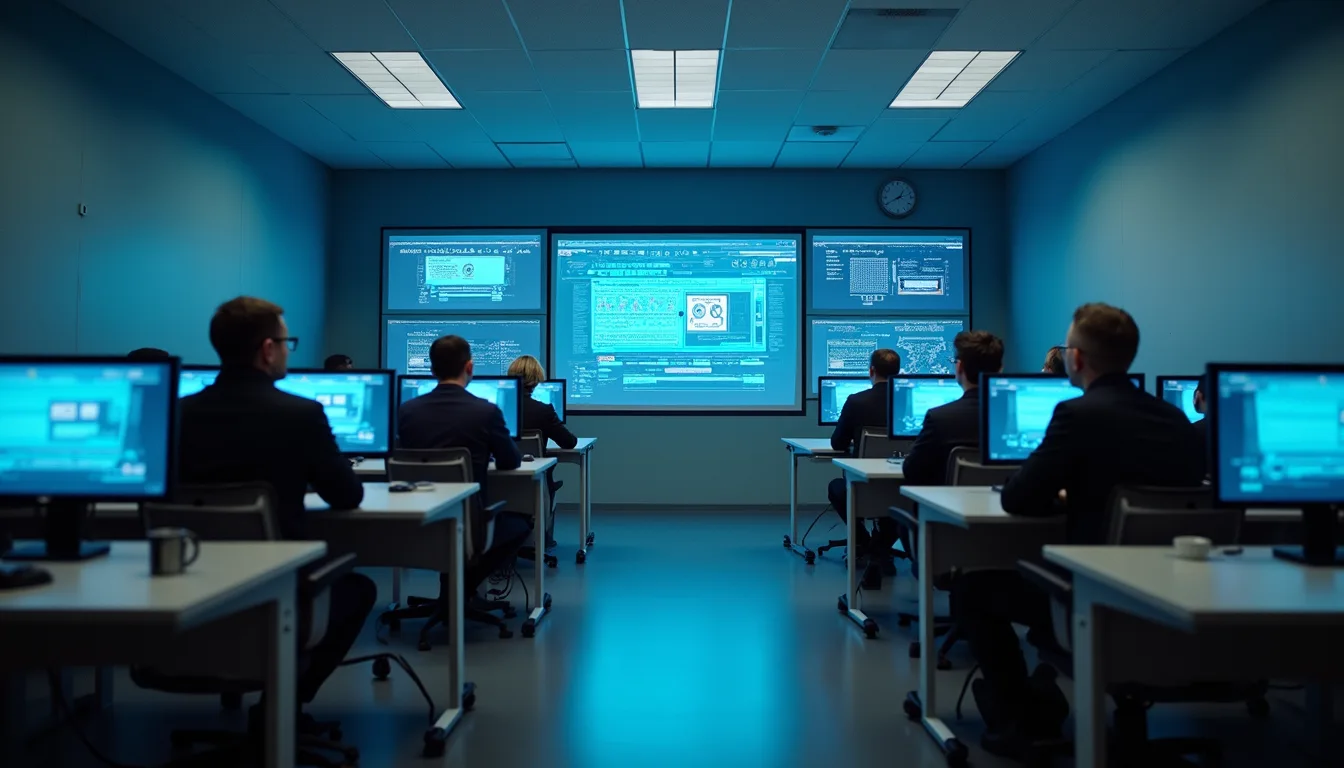
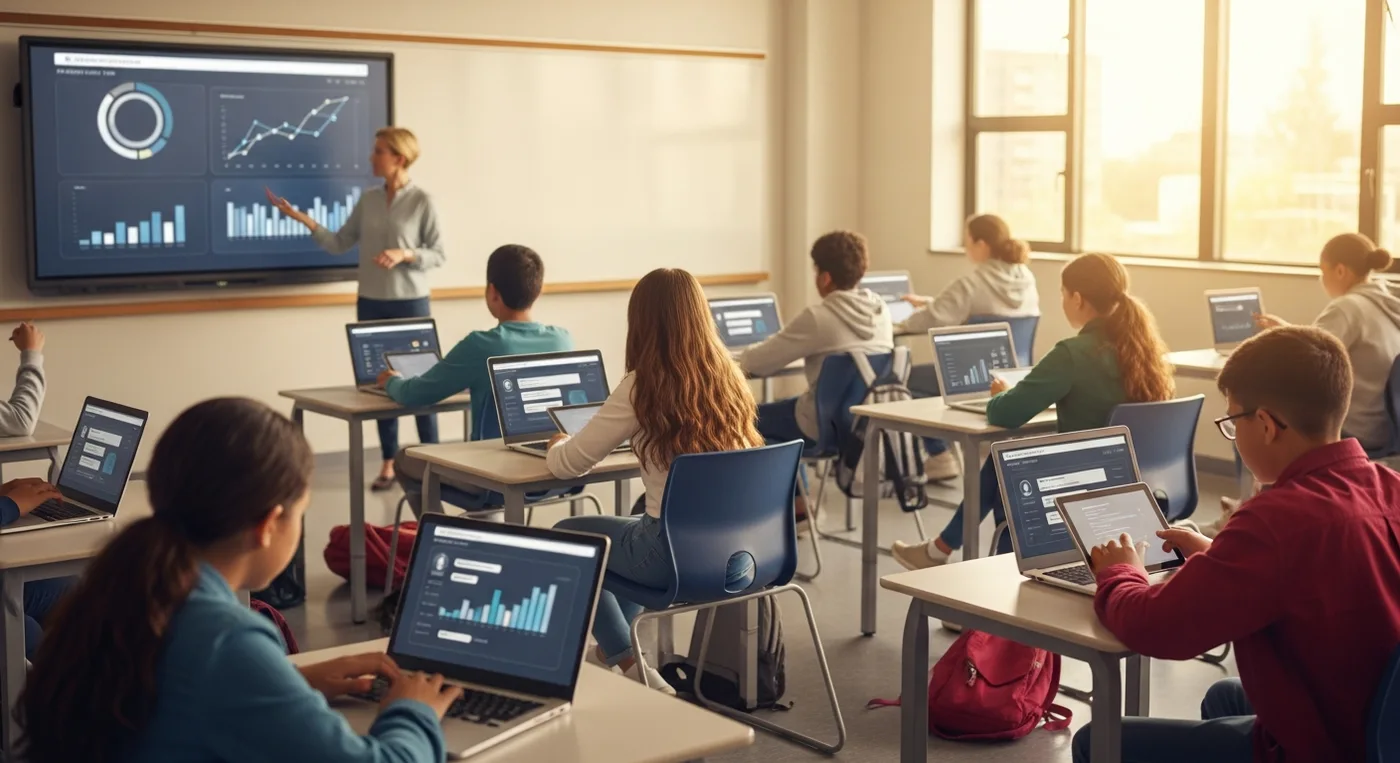
An AI classroom assistant can be genuinely useful when it is designed to support teachers, not replace them. In the right role, it helps with planning, practice, explanation, feedback, revision, and classroom insight while leaving human judgement where it belongs. The safest classroom AI does not pretend to know every student better than the teacher. It gives teachers more time, gives students more chances to ask for help, and keeps important decisions human-led.
Schools need more than a clever chatbot. They need safe classroom workflows, clear privacy rules, teacher oversight, and practical measures of whether students are learning better. A tool that creates more content is not enough if it adds confusion, weakens trust, or asks teachers to clean up low-quality suggestions. This expanded guide explains how classroom AI can support teachers and students, which uses are safest, how schools can roll it out responsibly, and how to measure success without losing the human center of education.
What an AI Classroom Assistant Should Do
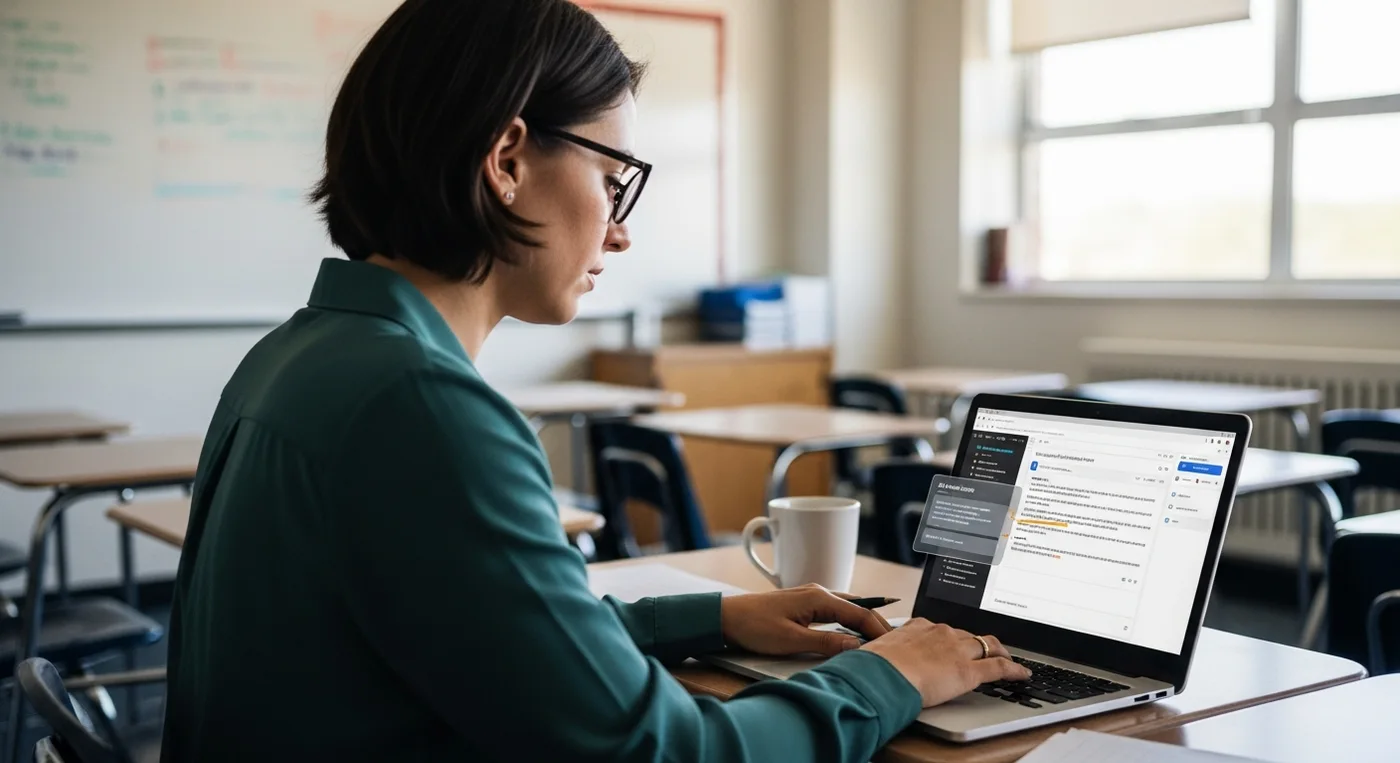
An AI classroom assistant should make teaching calmer, more responsive, and easier to manage. It should help teachers prepare lessons, notice repeated questions, create differentiated examples, and explain concepts in several ways. It should also help students ask for clarification without feeling embarrassed. Practical classroom support includes teacher planning, student hints, reading-level adjustments, common misconception summaries, low-risk drafting, and reusable learning materials.
Useful classroom AI should stay close to the work teachers already do. A helpful assistant can turn an objective into three levels of practice, convert a dense reading into guiding questions, suggest a misconception check, or help a teacher prepare examples for different learners. It can also create quick revision prompts after a lesson so students leave with a clear next step instead of a vague instruction to study harder.
Benefits for Teachers and Students

Teachers often support many learners at once. Some students need a harder challenge, others need a slower explanation, and many need encouragement before asking for help. An AI classroom assistant can reduce that pressure by making support more immediate and flexible. For teachers, the main benefit is time. AI can prepare multiple versions of a practice task, turn lesson notes into quick checks for understanding, suggest follow-up activities after a difficult topic, and organize resources for later reuse.
The practical bullet points are simple: use AI to create multiple practice paths, use it to make feedback faster on low-stakes work, use it to help students rephrase questions, and use it to identify where a teacher may need to reteach. Do not use it to remove the teacher from the process. The teacher still understands classroom mood, student history, school expectations, and the emotional context behind a student's answer.
Safe Uses Inside Real Classrooms

The safest classroom AI use cases are supportive, transparent, and reversible. They help students learn or help teachers prepare, but they do not grade high-stakes work alone, profile students without oversight, or make decisions that families cannot understand. A useful planning rule is to separate support from judgement. Support includes explaining vocabulary, generating practice, summarizing teacher-approved materials, and creating study checklists. Judgement includes final grades, discipline recommendations, special education decisions, wellbeing concerns, or sensitive predictions about a student's future.
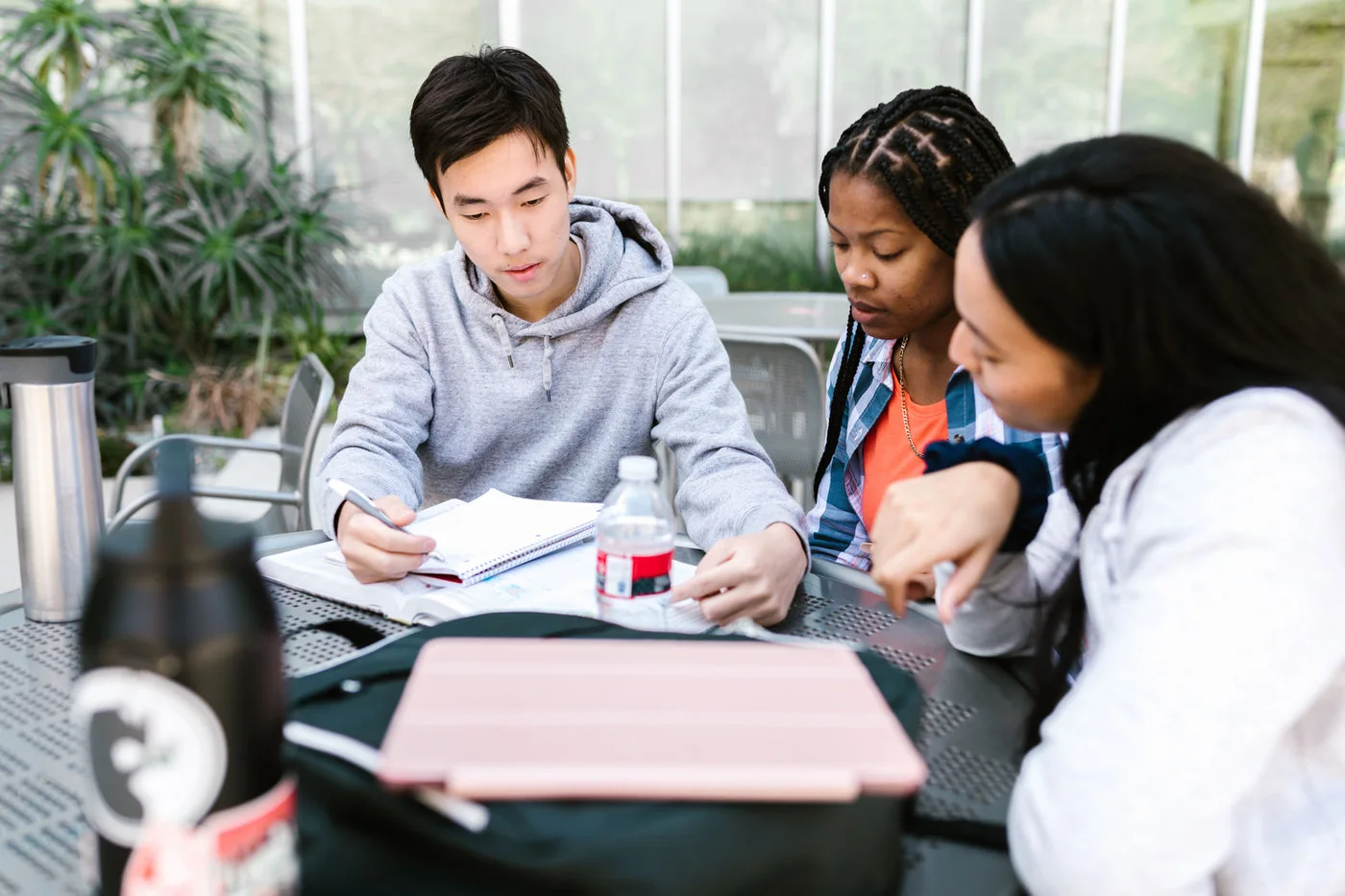
A safe classroom plan should also explain what students are allowed to do. They may use AI for hints, revision, vocabulary, and practice, but they should not submit AI-generated work as their own. They should learn to compare AI explanations with teacher materials, textbooks, class notes, and peer discussion. That habit turns AI from an answer machine into a thinking support.
Implementation Plan for Schools
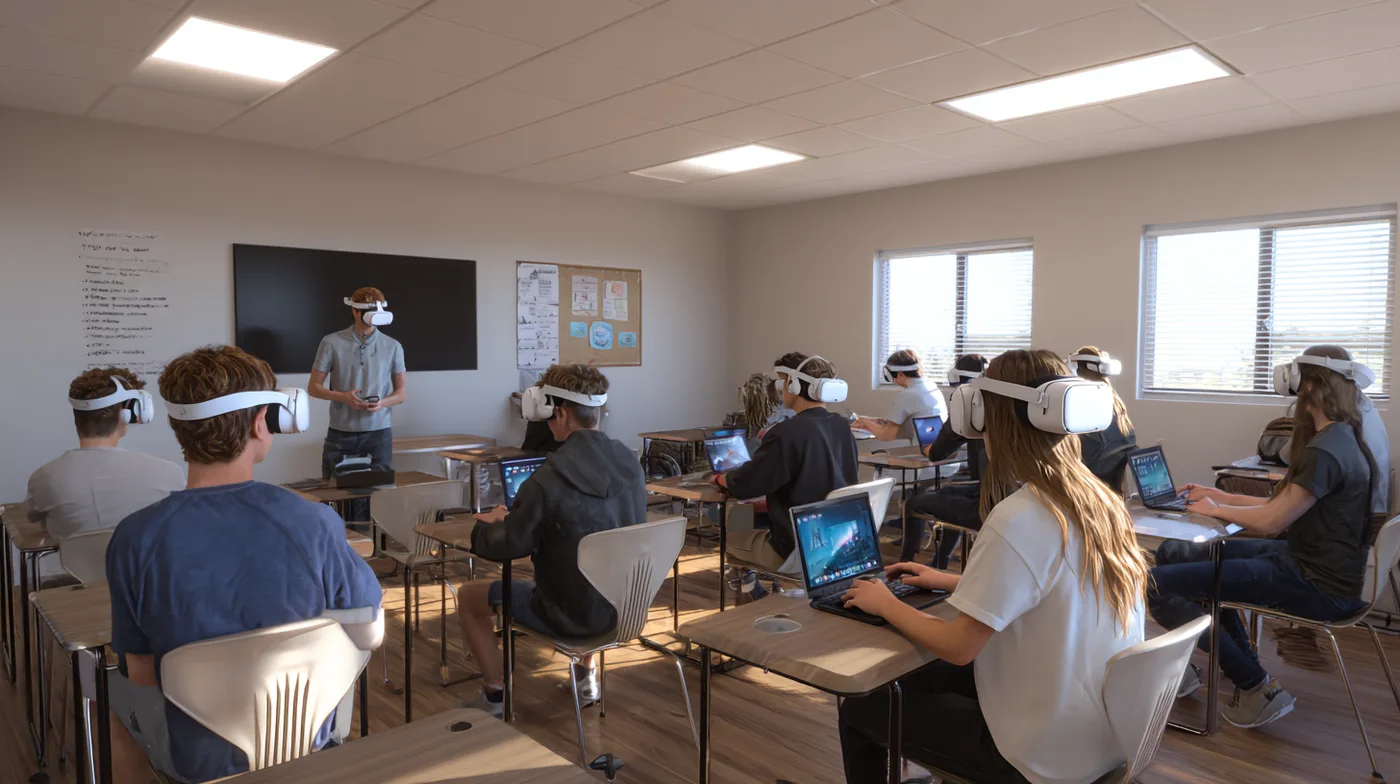
A school should not adopt an AI classroom assistant by switching on a tool for every teacher at once. The better path is a staged rollout that starts with a clear learning goal, a small pilot group, and a review process. Start with one or two use cases, such as lesson planning support or student revision help. Then define the guardrails: what data can be used, who reviews outputs, when students can use the assistant, and how teachers report problems. Training should use real classroom scenarios, not abstract technology language.
A good pilot has owners. One person should own classroom usage rules, another should own technical configuration, and another should gather teacher and student feedback. Families should know what the assistant does and does not do. Leaders should decide in advance what would count as success, what would require changes, and what would make the school pause the rollout.
Privacy and Responsible AI Rules
Privacy is not a side note in education AI. Student work, behavior, learning needs, and family context can be sensitive. A classroom assistant should collect the minimum data needed, keep data access limited, and make it clear who can see logs, prompts, and outputs. If a school cannot explain the data flow, it is not ready to scale the tool. Responsible AI also means being honest about limitations. AI can produce confident errors, misunderstand curriculum, miss emotional context, or overgeneralize from incomplete information.
Teachers should treat AI suggestions as drafts or signals, not as proof. Schools should create a review loop for AI quality by checking examples for accuracy, testing prompts before student use, monitoring for bias, and giving teachers a simple way to report unsafe or unhelpful outputs. Good responsible AI rules include minimizing personal data, requiring human review for grades and wellbeing concerns, documenting accountability, and using age-appropriate explanations so students understand AI assistance, not just AI outputs.
Mistakes, KPIs, and Future Direction
Most AI classroom problems come from weak rollout design, not from one bad prompt. Schools run into trouble when they treat AI as a shortcut for teaching quality, deploy tools without training, or ignore the concerns of teachers and families. Another common mistake is asking AI to do too much too quickly, which makes the pilot hard to evaluate. The goal is not to make every classroom look futuristic. The goal is to make learning support more available while keeping teachers central.
FAQ
What is an AI classroom assistant? It is a teacher-controlled support tool for planning, explanations, practice tasks, feedback drafts, study guidance, and classroom insight. Can it replace a teacher? No. It should reduce repetitive work and offer learning help while teachers keep responsibility for judgement, relationships, assessment, and wellbeing. How can AI help students safely? It can give extra explanations, practice questions, revision plans, hints, vocabulary support, and low-pressure chances to ask for help.
What should teachers keep human-led? Final grades, discipline, special education decisions, wellbeing concerns, accommodations, and family communication should remain human-led. What privacy rules matter most? Schools should minimize student data, limit access, explain how AI is used, and review vendor data policies before rollout. How should a school start? Start with a small pilot, one or two clear use cases, teacher training, usage rules, feedback channels, and success metrics. How do schools measure success? Track teacher time saved, feedback speed, student confidence, mastery, assignment completion, error reports, and teacher satisfaction.