
A virtual lab simulation is an interactive model in which learners change conditions, observe results and explain what happened. For STEM teaching, its value depends on the task: a useful lesson asks students to make a prediction, test it and use evidence to revise their explanation. Adding an AI tutor does not remove the need for a sound experiment or teacher review.
This guide focuses on designing a lesson. For delivery across home and classroom settings, see our guide to virtual labs for remote and hybrid teaching.
Start with one learning objective
Write down what students should be able to explain or do after the activity. “Explore electricity” is too broad to guide a build. “Predict how changing resistance affects current in a simple circuit” gives the simulation a purpose and suggests what to assess.
List the variables students can change, the observations they can collect and the mistakes you want the exercise to reveal. Decide which parts of the model are deliberately simplified. A convincing visual environment can still teach the wrong lesson if the underlying relationships are inaccurate.
Choose a format that fits the task
| Format | Useful when | Check before choosing |
|---|---|---|
| Screen-based simulation | Learners need to manipulate variables, compare values or repeat a modelled experiment. | Keyboard access, readable controls and performance on classroom devices. |
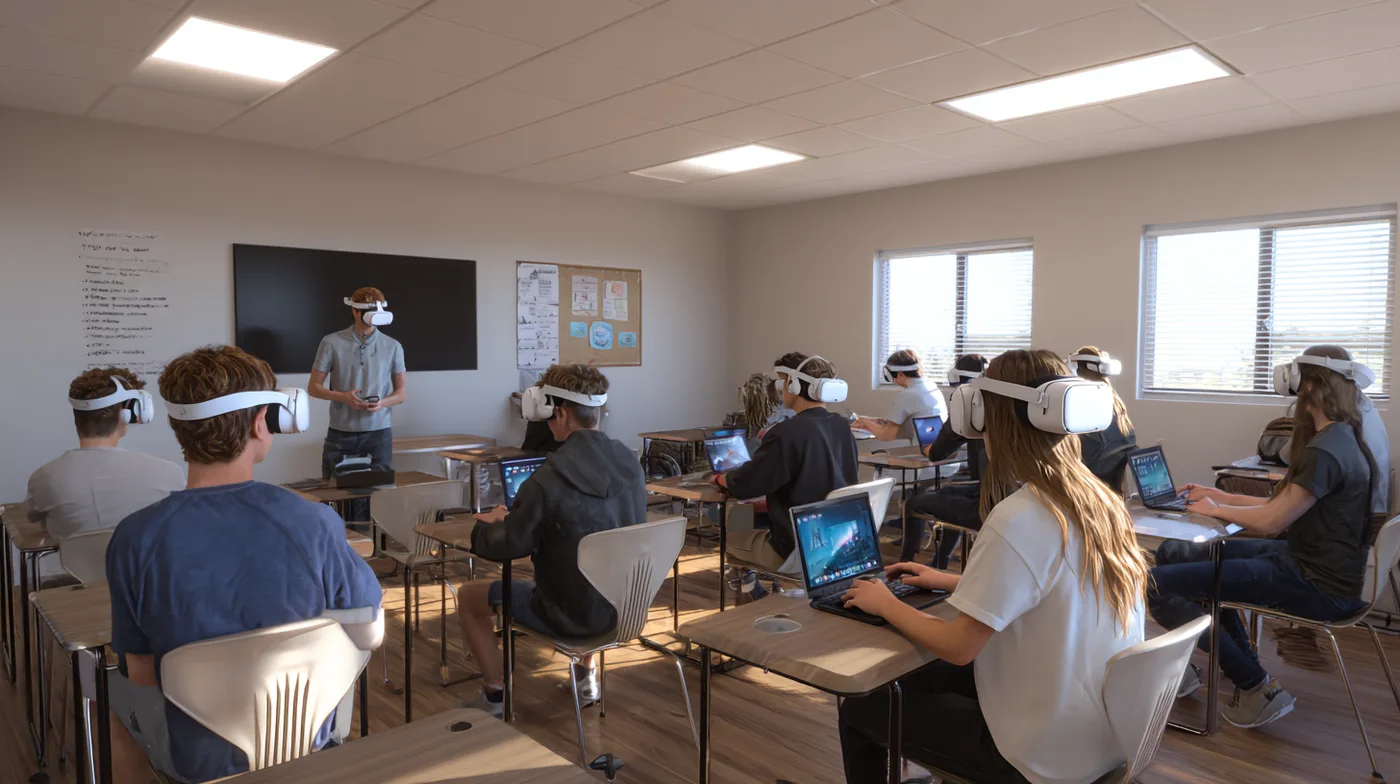
| Immersive VR lab | Spatial orientation or a sequence of actions is central to the lesson. | Headset availability, supervision, comfort and an alternative activity. |
| Augmented reality model | Learners need to inspect a digital object alongside their physical surroundings. | Device support, tracking conditions and whether the spatial view adds useful information. |
Use the simplest format that serves the objective. A headset is not required for every virtual lab. Our virtual reality in education guide explains how to assess VR alongside other teaching formats.
An example: investigating a simple circuit
The following is a suggested lesson structure, not a result from a Mimic client deployment. Adjust the language, model and assessment to the curriculum and learner age.
- Predict: Show a circuit with a fixed voltage. Ask learners what will happen to current if resistance increases, and why.
- Test: Let students vary resistance while keeping the voltage fixed. Ask them to record the values rather than simply watching an animation.
- Explain: Compare the observations with the prediction. Ask which variable was controlled and what the model does not represent.
- Transfer: Give a fresh circuit problem without the tutor. Check whether students can apply the relationship independently.
- Debrief: Discuss the difference between the simulation and work with physical components, including measurement and safety considerations.
The independent task matters. A completed simulation may show that a learner followed prompts, while a fresh problem provides more useful evidence of understanding.

Give the AI tutor a limited role
An AI guide can ask a learner to describe a prediction, offer a hint or point back to approved teaching material. Define when it should help and when it should leave room for an independent attempt. A first hint might ask which variable changed; a later hint might draw attention to a pattern in the recorded values.
Keep the simulation model and assessment rules under educator control. Do not rely on generated text to decide whether a physical procedure is safe. Test incorrect premises, ambiguous questions and requests for answers before introducing the experience to learners.
For the broader setup, read our AI tutor implementation guide for schools. UNESCO’s guidance on generative AI in education also emphasises human oversight, age-appropriate use and protection of learner data.
What to review before a classroom pilot
- Scientific accuracy: Have a subject specialist check model behaviour, units, explanations and the limits of the simulation.
- Access: Test keyboard controls, text readability, captions where relevant and a comparable route for learners who cannot use the primary interface.
- Devices: Try the activity on the actual equipment and connection available to the class.
- Data: Agree what needs to be collected, who can see it and how long it is kept with the institution.
- Teaching support: Prepare an introduction, a debrief and a way to report an inaccurate response or technical problem.
- Assessment: Choose a short independent task that tests the learning objective, not familiarity with the controls.
These checks are a planning framework. They do not establish legal compliance, accessibility conformance or suitability for every learner; those require review against the institution’s requirements.
Measure understanding and teacher effort
Use a brief task before the activity and a comparable task afterwards. Review explanations as well as scores: can learners describe the relationship they tested, identify a controlled variable and apply the idea in a different example? Record how much prompting was needed.
Ask teachers to record preparation time, intervention time and issues that interrupted the lesson. If possible, compare the experience with the existing teaching activity under similar conditions. A small pilot can reveal usability problems and misconceptions; it cannot by itself prove that the technology improves outcomes across a school.
Keep physical lab skills separate
A simulation can support preparation and conceptual practice. It does not demonstrate that a learner can handle equipment, take a reliable physical measurement or respond to an unexpected situation. Retain supervised practical work wherever the curriculum requires those skills.
When reviewing existing examples, distinguish an interactive science model from a realistic 3D environment. Both may be useful, but they solve different teaching problems. PhET provides teaching resources for its interactive simulations; evaluate any resource against your own lesson objective.
Prepare a virtual lab project brief
Bring the topic, intended learners, teaching materials, device constraints and assessment goal to the initial discussion. Identify what already exists and what needs custom modelling, interaction design or character production. Include the review process for science content and AI responses.
Mimic Education’s immersive learning and 3D simulation services and custom AI tutor services can be discussed against that brief. Contact the team about a learning project to define scope and technical requirements.