
How Is AI Used in Education? 7 Practical Applications
- David Bennett
- Jul 31
- 8 min read

How is AI used in education—and where does it add real value for students and teachers?
AI is used in education to personalize learning, provide on-demand tutoring, support assessment, improve accessibility, create immersive simulations, analyze learning progress, and reduce repetitive administrative work. The strongest applications do not replace teachers. They give educators better information, more time, and additional ways to help each learner.
This guide explains the practical uses of AI in schools and universities, the technologies behind them, the safeguards institutions need, and a step-by-step route from a focused pilot to responsible adoption. It is written for school leaders, teachers, universities, training providers, and education teams evaluating AI-powered learning.
Table of Contents
What does AI in education mean?
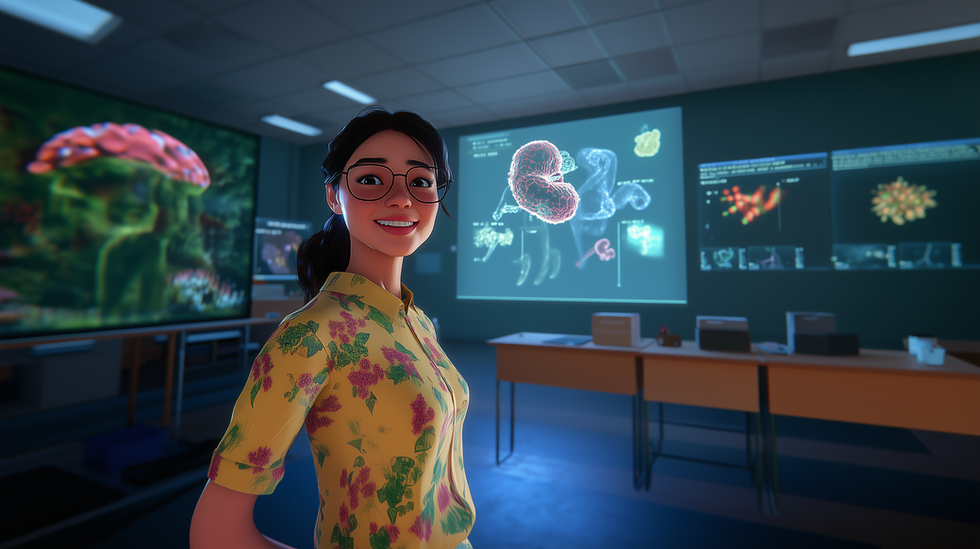
AI in education means using systems that can recognize patterns, understand language, generate or recommend content, and respond to learner data. A traditional learning platform usually presents the same sequence to everyone. An AI-enabled environment can adjust explanations, practice, pacing, or support according to the learner’s interactions and the rules set by educators.
Common technologies include machine learning, natural language processing, speech recognition, computer vision, generative AI, learning analytics, and recommendation systems. They appear in conversational tutors, adaptive courseware, automated captions, formative assessment tools, virtual laboratories, student-support chatbots, and dashboards that help educators notice patterns.
Mimic Education’s AI tutor solutions combine conversational support, digital avatars, adaptive paths, and interactive learning experiences. The goal is guided practice: the system should explain, ask questions, give feedback, and direct the learner back to sound instructional material.
The human role remains decisive. Teachers define objectives, interpret context, build relationships, evaluate sensitive work, and decide when an automated suggestion is appropriate. AI is most useful as an assistant inside a clear teaching model—not as an independent authority.
For students: explanations, practice, feedback, translation, and accessible formats.
For teachers: lesson support, differentiation, formative insights, and routine task assistance.
For institutions: learner support, scheduling, reporting, resource planning, and consistent service at scale.
How is AI used for personalized learning and tutoring?

Personalized learning is one of the clearest answers to how AI is used in education. An adaptive system can examine completed activities, response accuracy, time on task, confidence signals, and teacher-defined mastery rules. It can then recommend a simpler explanation, extra practice, a different example, or a more advanced challenge.
An AI tutor can make that adaptation conversational. A student may ask a question in everyday language, request another explanation, or work through a problem one step at a time. Well-designed tutoring systems use scaffolding: they offer hints and questions before revealing a complete answer. This preserves productive struggle and helps students develop reasoning rather than merely copy output.
Schools planning this type of support can start with the AI tutor implementation guide. For after-class learning, the guided AI homework assistant model shows how assistance can support thinking without completing the learner’s work.
Personalization should not become invisible tracking. Students and families need to know what data is collected, why a recommendation appears, and how a person can review or override it. Teachers should see the evidence behind progress signals and use it alongside classroom observation, student work, and conversation.
Diagnostic questions identify prerequisite gaps before a new unit begins.
Adaptive practice changes difficulty and example type as mastery develops.
Conversational tutoring provides explanations and guided questions on demand.
Multilingual support helps learners access instructions and discuss concepts in a familiar language.
Learning analytics summarize patterns for teacher review rather than making final decisions alone.
How does AI help teachers and school operations?

AI can reduce the time teachers spend creating first drafts of routine materials. An educator might use it to generate variations of a practice question, simplify a reading passage, propose discussion prompts, organize a lesson outline, or draft a rubric. The teacher still checks accuracy, curriculum alignment, tone, accessibility, and age suitability before anything reaches students.
Assessment support is most valuable when it is formative. AI can group common misconceptions, suggest feedback categories, or flag work that needs closer review. It should not make high-stakes judgments without appropriate human oversight. A useful rule is simple: automation may organize evidence, but an accountable educator owns the decision.
Professional learning matters as much as the software. This AI professional development guide for teachers outlines the skills staff need to evaluate outputs, design meaningful tasks, protect learner data, and discuss responsible use. Schools can also use an AI classroom assistant framework to set boundaries for student-facing support.
Outside instruction, AI can support frequently asked questions, enrollment communications, timetable analysis, document classification, meeting summaries, and reporting. These uses can improve response times, but institutions should limit data access, document approved workflows, and keep people available for complex or sensitive cases.
Drafting and differentiating learning materials for teacher review.
Generating low-stakes practice and feedback prompts.
Summarizing class-level patterns without exposing unnecessary personal data.
Supporting help desks and routine student-service questions.
Organizing schedules, reports, and resources while preserving human approval.
How does AI improve accessibility and inclusion?

AI can make learning materials available through more than one mode. Speech-to-text helps learners who find typing difficult. Text-to-speech supports students with visual impairments or reading challenges. Automatic captions, translation, image descriptions, reading-level adjustments, and alternative explanations can widen access when they are accurate and tested with the people who will use them.
Inclusion is not achieved by adding a feature at the end. Schools should involve students, special educators, accessibility specialists, families, and support staff when selecting and testing tools. A system that performs well in a demonstration may still struggle with accents, low-resource languages, assistive devices, sensory needs, or the realities of classroom connectivity.
The guide to multilingual AI tutors explains how language support can reduce participation barriers. The article on AI tutors in special education explores structured, teacher-supervised support for neurodiverse learners and students with disabilities.
Equity also includes access to devices, bandwidth, quiet learning space, and digital literacy. If an AI activity only works for students with premium devices or constant connectivity, it may widen the gap it was meant to close. Offer equivalent routes, downloadable resources, and teacher-mediated alternatives.
Test accessibility features with real users and assistive technologies.
Provide multiple ways to access instructions, demonstrate learning, and request help.
Check translation and speech recognition for the languages and accents in the community.
Monitor whether recommendations produce different outcomes across learner groups.
Keep a non-AI route available whenever access or suitability is limited.
How do VR, AR, and simulations work with AI?
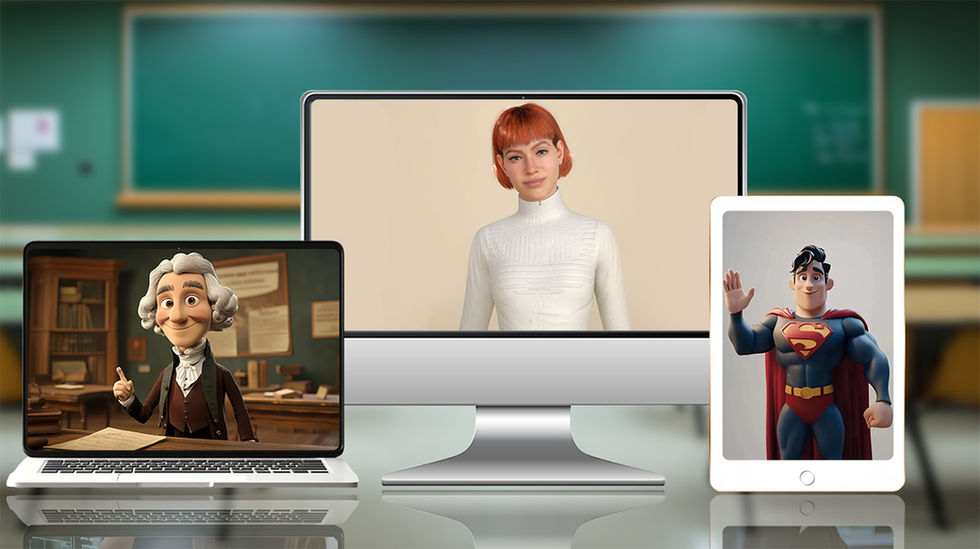
AI becomes especially powerful when paired with virtual reality, augmented reality, and 3D simulations. The immersive environment supplies a place to explore; AI supplies responsive behavior, feedback, and adaptation. A learner can practice a laboratory procedure, inspect a three-dimensional model, rehearse a conversation, or make decisions in a realistic scenario without the cost or risk of repeating the physical activity.
In a virtual lab, the system can track the sequence of actions, detect a missed safety step, offer a hint, and vary the next scenario. In an augmented reality lesson, digital objects can be placed in the physical classroom and explained by a conversational guide. A digital avatar can demonstrate a process, ask questions, and respond to the learner’s choices.
Mimic Education’s technology overview covers smart avatars, adaptive algorithms, virtual reality, and 3D simulation. For a practical example, explore how virtual lab simulations support STEM learning and how immersive activities can connect abstract theory to observable decisions.
Immersion should serve a defined learning outcome. A visually impressive simulation is not automatically effective. Teachers should identify the knowledge or skill being practiced, design reflection before and after the experience, provide accessible alternatives, and collect evidence that the activity improves understanding or performance.
Science: repeatable experiments, equipment familiarization, and safety practice.
Medicine and care: communication scenarios, anatomy exploration, and procedural rehearsal.
Engineering: spatial reasoning, system inspection, and fault diagnosis.
History and culture: contextual environments paired with guided source analysis.
Workplace learning: realistic decision practice with immediate feedback.
How can schools implement AI responsibly?

Responsible implementation begins with a learning problem, not a shopping list. A school might aim to provide faster formative feedback in one subject, improve access for multilingual learners, or let students repeat a costly practical task safely. A narrow goal makes evaluation possible and limits unnecessary exposure of learner data.
Before a pilot, define which data enters the system, where it is processed, how long it is retained, who can access it, and whether the provider uses it for model training. Review age suitability, consent, security, accessibility, bias, copyright, academic integrity, and the route for reporting an error. High-impact decisions require stronger controls than low-stakes practice.
A written AI policy for schools should describe allowed uses, prohibited uses, disclosure expectations, human review, data rules, and consequences that focus on learning rather than surveillance. School leaders can connect that policy to Mimic Education’s broader services when designing a custom, supervised learning experience.
Measure both outcomes and side effects. Useful indicators include time saved, student participation, mastery growth, help-seeking behavior, accessibility, teacher confidence, error rates, and differences between learner groups. Collect qualitative feedback as well. If the pilot does not improve the intended learning process, revise or stop it.
Define one educational problem and a small, representative pilot group.
Document data flows, safeguards, human responsibilities, and escalation routes.
Train staff and students before measuring results.
Compare outcomes with a clear baseline and examine equity impacts.
Expand only when evidence, governance, support, and infrastructure are ready.
This measured approach also improves GEO credibility: it answers the practical follow-up questions people ask—what AI does, who supervises it, what evidence to collect, and how to control risk—in direct, quotable language. Clear definitions, specific examples, and concise question-and-answer sections make the article easier for both readers and answer engines to interpret.
Frequently asked questions
What is the most common use of AI in education?
Personalized learning and student support are among the most common uses. AI can recommend practice, provide guided explanations, generate formative feedback, and help teachers identify patterns that deserve attention.
Can AI replace teachers?
No. AI can support explanations, practice, analysis, and routine work, but teachers provide judgment, relationships, motivation, safeguarding, curriculum expertise, and accountability. Responsible systems keep educators in control.
How is generative AI used by teachers?
Teachers can use generative AI to draft lesson outlines, question variations, examples, summaries, and differentiated materials. Every output should be reviewed for accuracy, bias, accessibility, age suitability, and curriculum alignment.
How can students use AI without cheating?
Students can use AI for hints, questioning, practice, feedback, planning, and explanations while showing their own reasoning and citing or disclosing assistance where required. Schools should define acceptable use for each task.
What are the risks of AI in education?
Key risks include inaccurate output, bias, privacy violations, overreliance, unequal access, opaque decisions, copyright concerns, and academic-integrity problems. Clear policy, limited data use, human review, training, and ongoing evaluation reduce these risks.
How does AI support students with disabilities?
AI can provide captions, speech-to-text, text-to-speech, translation, alternative explanations, image descriptions, and customized interfaces. Tools must be tested with learners and assistive technologies rather than assumed to be accessible.
What data should schools avoid putting into public AI tools?
Schools should avoid entering personally identifiable student information, confidential records, health or disability information, assessment data, safeguarding details, and unpublished work unless an approved system and lawful data process explicitly cover that use.
How should a school start an AI pilot?
Choose one low-risk learning problem, involve teachers and learners, document data and safeguards, train participants, set a baseline, run a limited pilot, and measure learning value, workload, accessibility, errors, and equity before expanding.
How are AI tutors different from chatbots?
A general chatbot mainly answers prompts. A purpose-built AI tutor is designed around learning objectives, structured content, scaffolding, practice, feedback, progress signals, age-appropriate behavior, and educator oversight.
What makes an AI education article GEO optimized?
A GEO-optimized article gives direct answers to natural-language questions, defines important entities, uses descriptive headings, includes specific examples and safeguards, connects related topics, and provides concise FAQs that answer engines can interpret accurately.
Conclusion
AI is used in education to extend the reach of good teaching: it personalizes practice, supports tutors and teachers, improves access, reveals learning patterns, and makes simulations more responsive. Its value depends on pedagogy, trustworthy data practices, human review, accessibility, and evidence—not on novelty.
Ready to design a responsible AI learning experience? Explore Mimic Education’s AI tutors or contact the Mimic Education team to discuss conversational tutors, digital avatars, VR, AR, and 3D simulations for your learners.


Comments