
Immersive learning with VR, AR and 3D simulation
Explore VR learning, augmented reality, 3D simulations and conversational avatars. Plan an immersive education project around your teaching objectives.
Explore the possibilities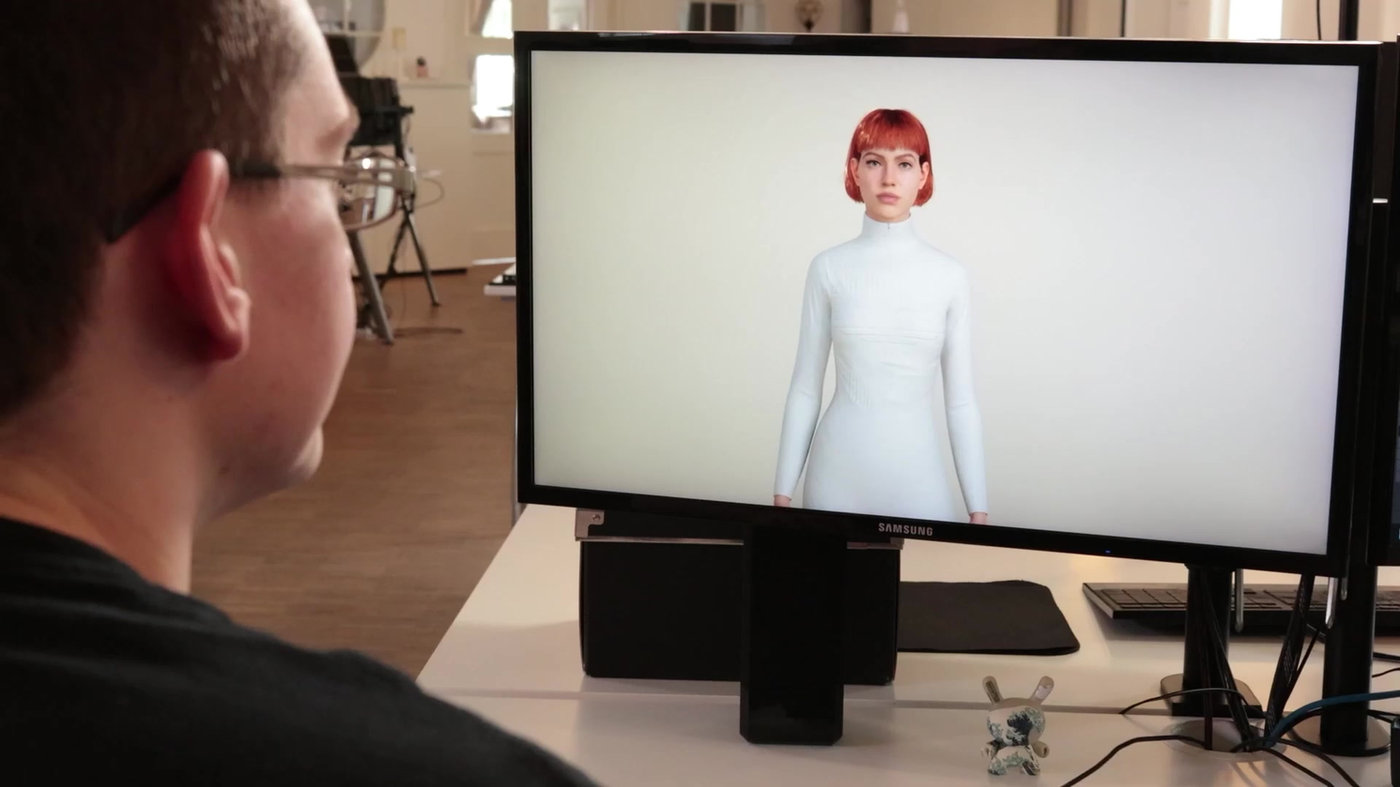
01 / LEARNING TECHNOLOGY
Conversational AI and natural language
Voice and text interactions allow learners to ask questions and explore explanations. Plan the approved content, response boundaries, language needs and fallback to a teacher. Speech accuracy and answer quality need testing with the intended learners.

02 / LEARNING TECHNOLOGY
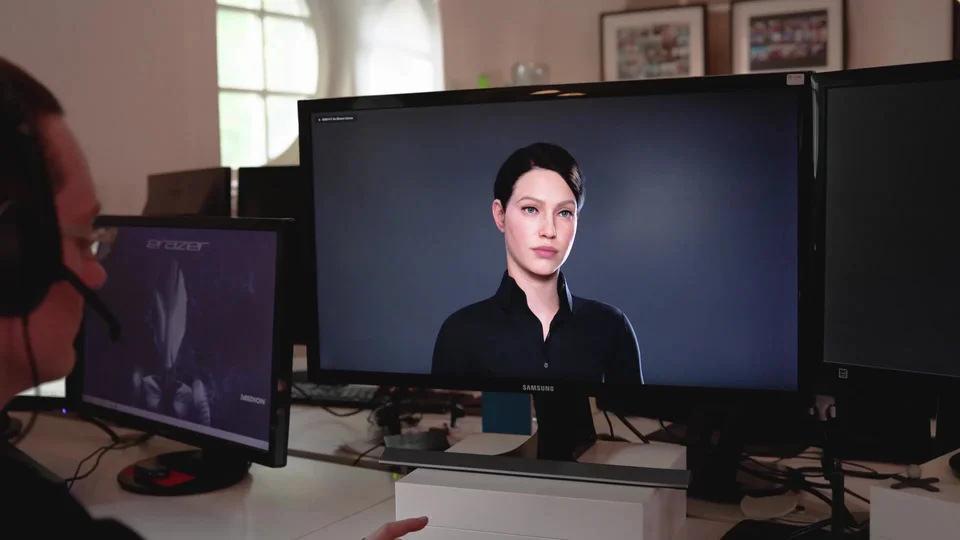
Digital avatars for teaching
A digital character gives a learning interaction a visible guide. Character modelling, animation and conversational behaviour should work together with the lesson. Choose realism or stylisation based on the audience and the subject.

03 / LEARNING TECHNOLOGY
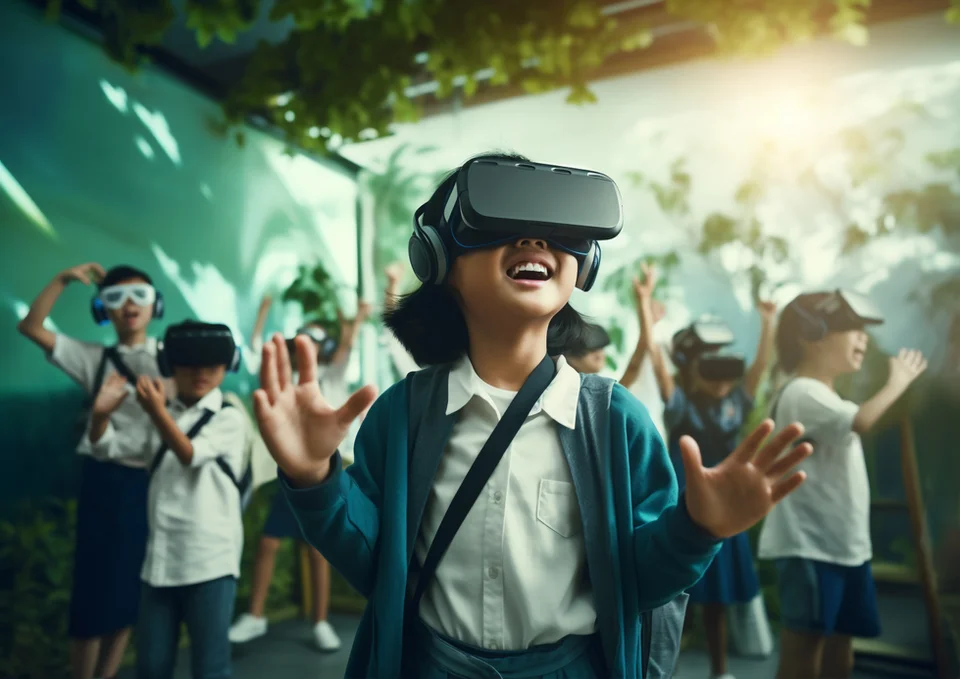
Virtual reality in education
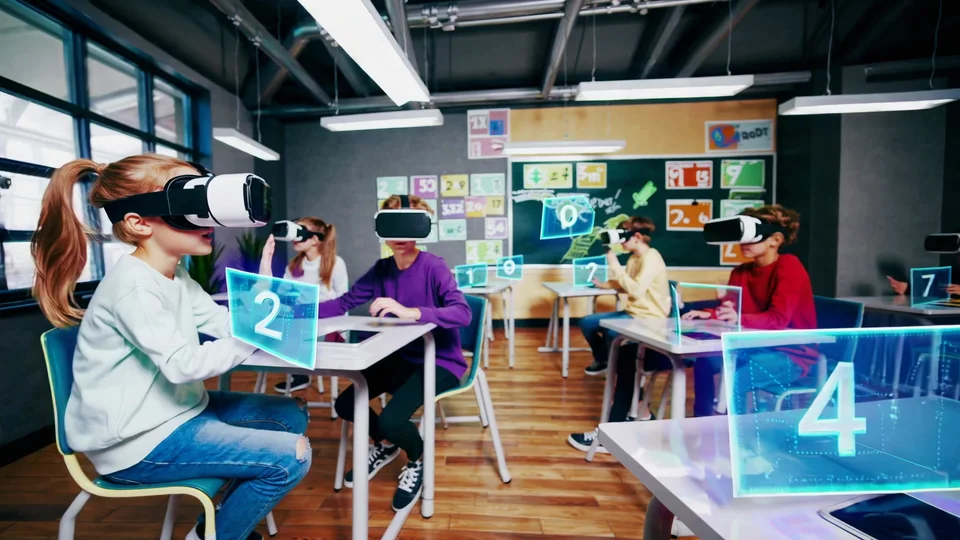
VR can place learners inside a scene or simulation where they explore scale, space and sequence. Start with an activity that benefits from that environment. Plan supervision, session length, device access and an equivalent activity for non-headset users.
04 / LEARNING TECHNOLOGY
Adaptive learning pathways
A learning path can change based on a learner’s responses and previous attempts. Specify what evidence triggers a different explanation or next task, and let educators review those decisions. Avoid treating a single score as a complete picture of ability.
05 / LEARNING TECHNOLOGY
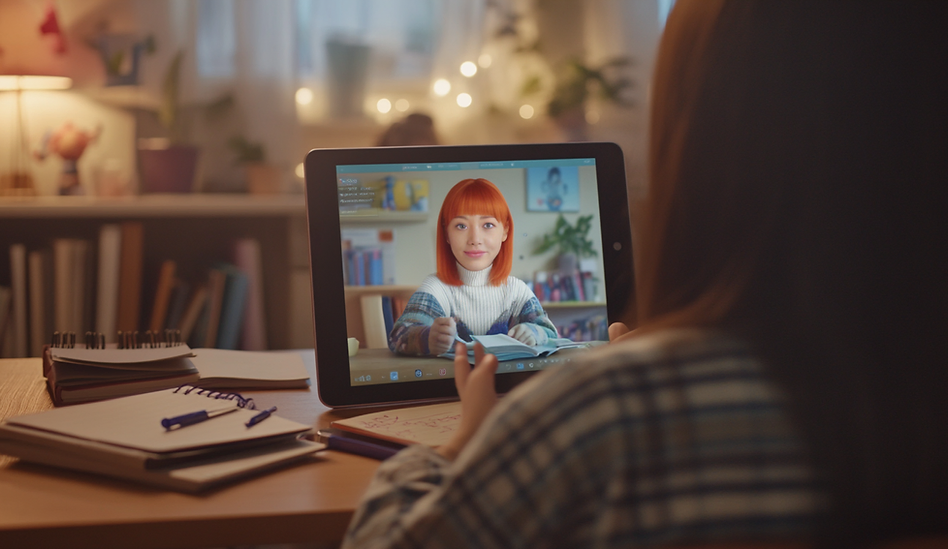
Instructional video and guided explanations
Use short explanations to introduce a concept or demonstrate a procedure before independent practice. Plan captions, transcripts and opportunities to pause. Decide which materials already exist and which need to be produced for the project.
06 / LEARNING TECHNOLOGY
3D simulations and augmented reality
Interactive models can support observation, experimentation and explanation. AR places digital material alongside a physical setting; a screen-based simulation may suit other lessons. Select the format by learning objective, available equipment and access needs.
07 / LEARNING TECHNOLOGY
3D scanning for digital learning assets
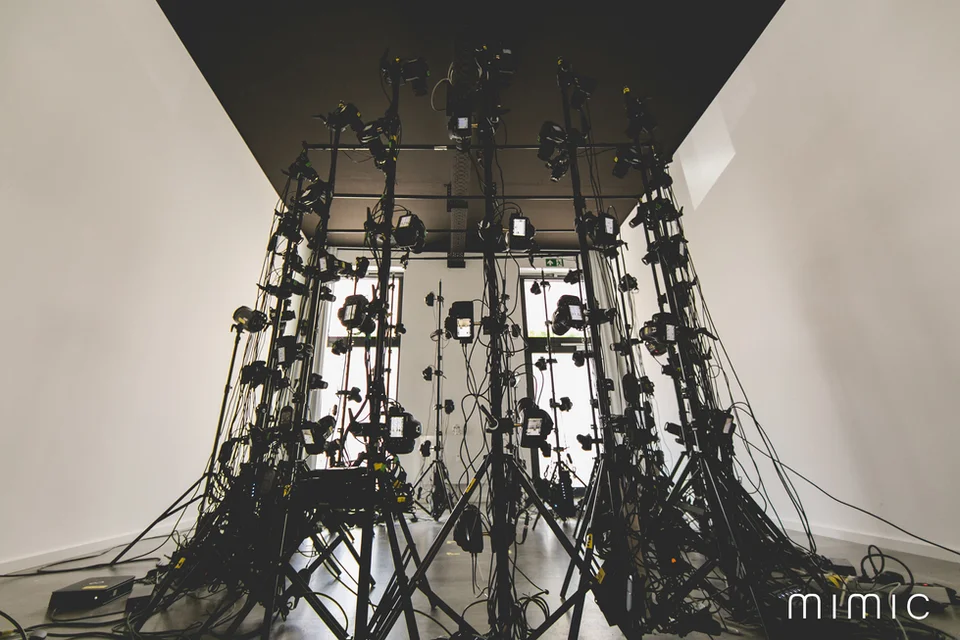
Scanning can provide source material for digital characters and objects. Plan permissions, required detail and the devices that will display the result. Optimised assets matter when a lesson must run on everyday classroom equipment.
08 / LEARNING TECHNOLOGY
Motion capture and character performance
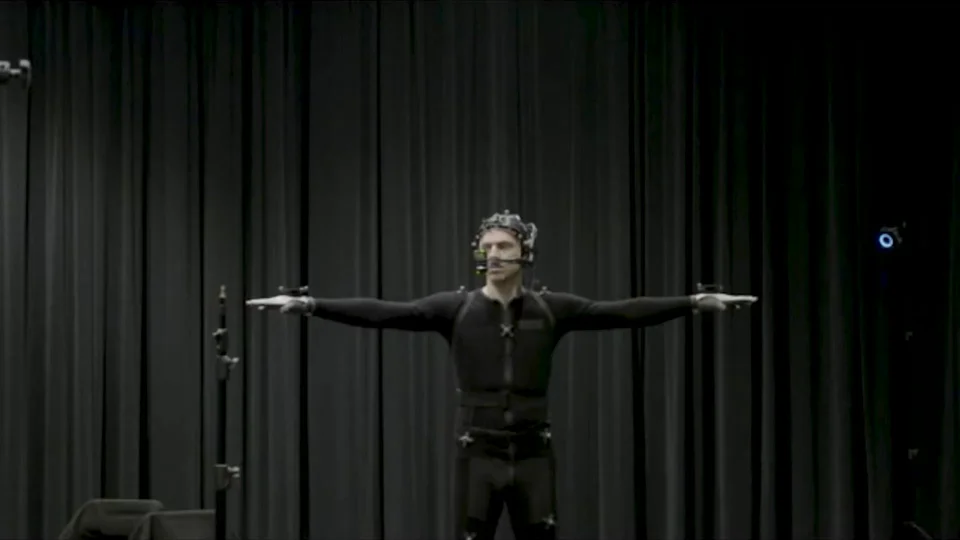
Motion capture records performance that can inform animated digital characters. Educators and production teams can plan gestures and demonstrations together, then review whether the movement makes the explanation clearer.
09 / LEARNING TECHNOLOGY
From a learning brief to a pilot
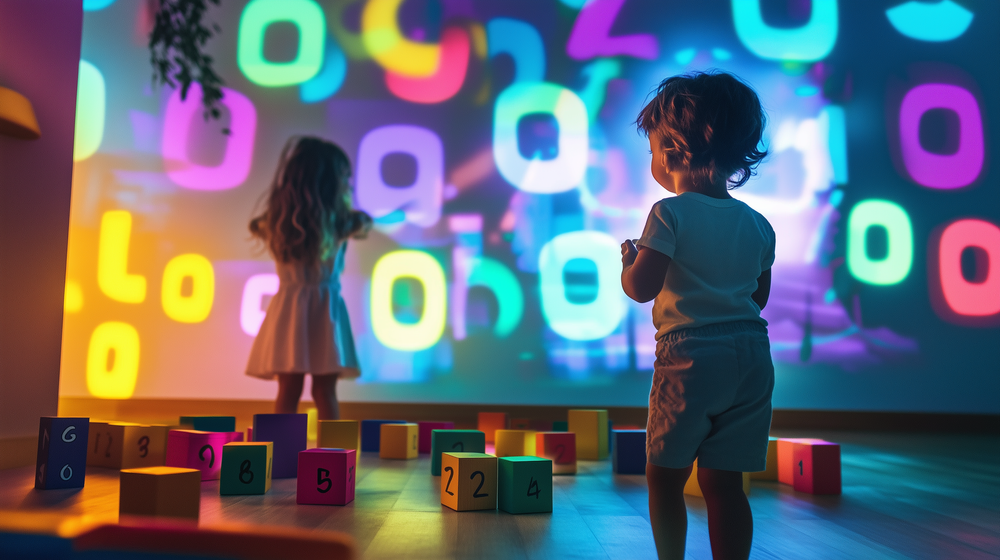
Define one learning outcome, a representative activity and a small review group. Agree content ownership, accessibility needs, data handling and technical requirements. Test the experience with educators before deciding how to expand it.
Plan your learning project
Compare learning formats, plan a classroom activity and define what students should understand after the experience.
Turn a learning goal into an experience.
Start with a learning goal. Together we can explore how a digital tutor or immersive scenario could support it.