

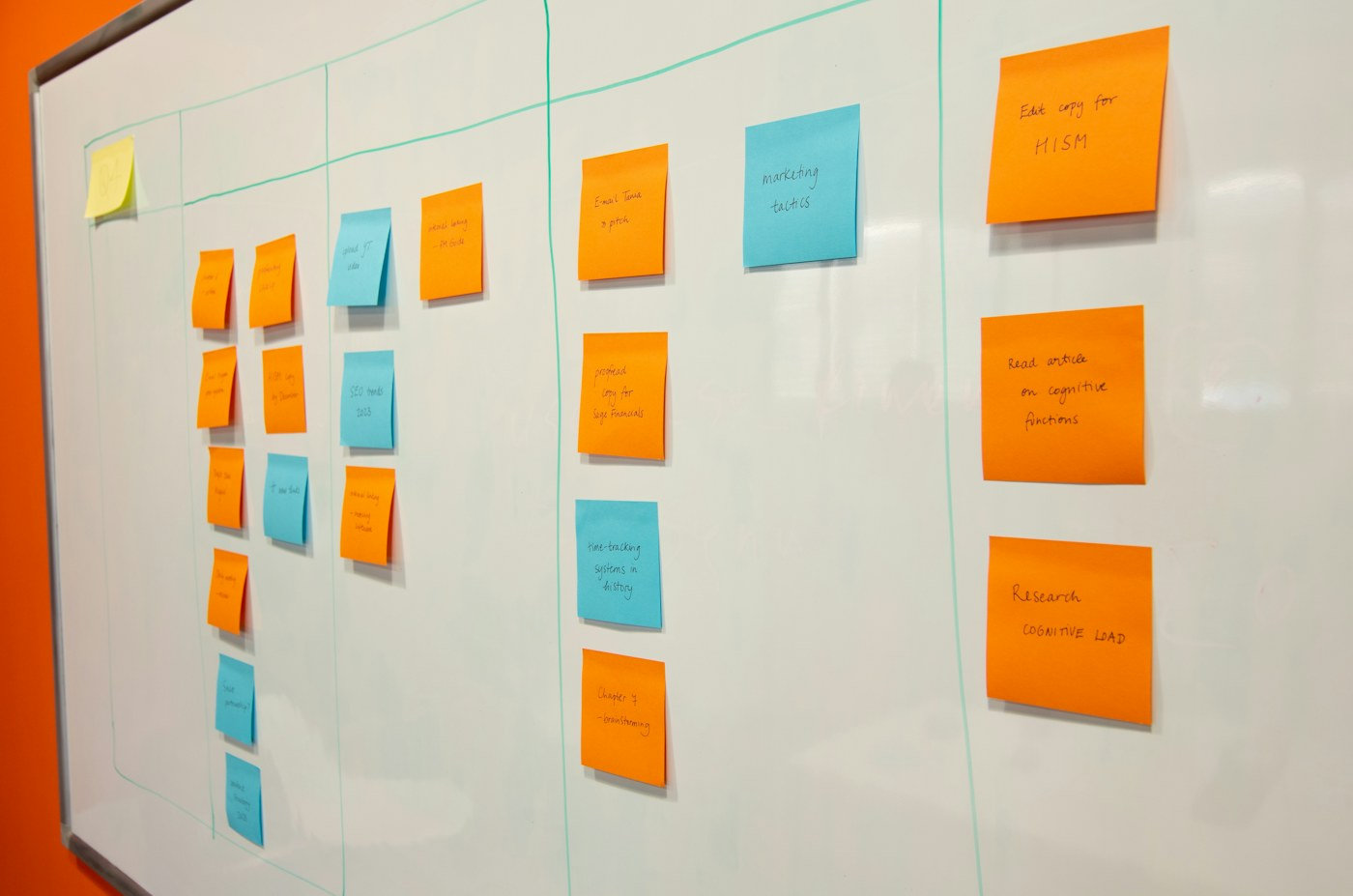
How can teachers use AI to plan stronger lessons without handing over professional judgment?
AI lesson planning can shorten the distance between a curriculum objective and a teachable classroom sequence. It can generate examples, questions, adaptations, retrieval tasks, and assessment ideas in seconds. The real value, however, comes from a disciplined workflow in which teachers supply context, interrogate the draft, verify content, and shape every choice around their students.
This practical guide explains a six-step process for using AI before, during, and after planning. It covers curriculum alignment, sequencing, differentiation, assessment, privacy, and review. The goal is a lesson that remains clearly teacher-designed while using technology to reduce repetitive preparation and widen the range of options considered.
Table of Contents
1. Define What AI Should Do in Lesson Planning
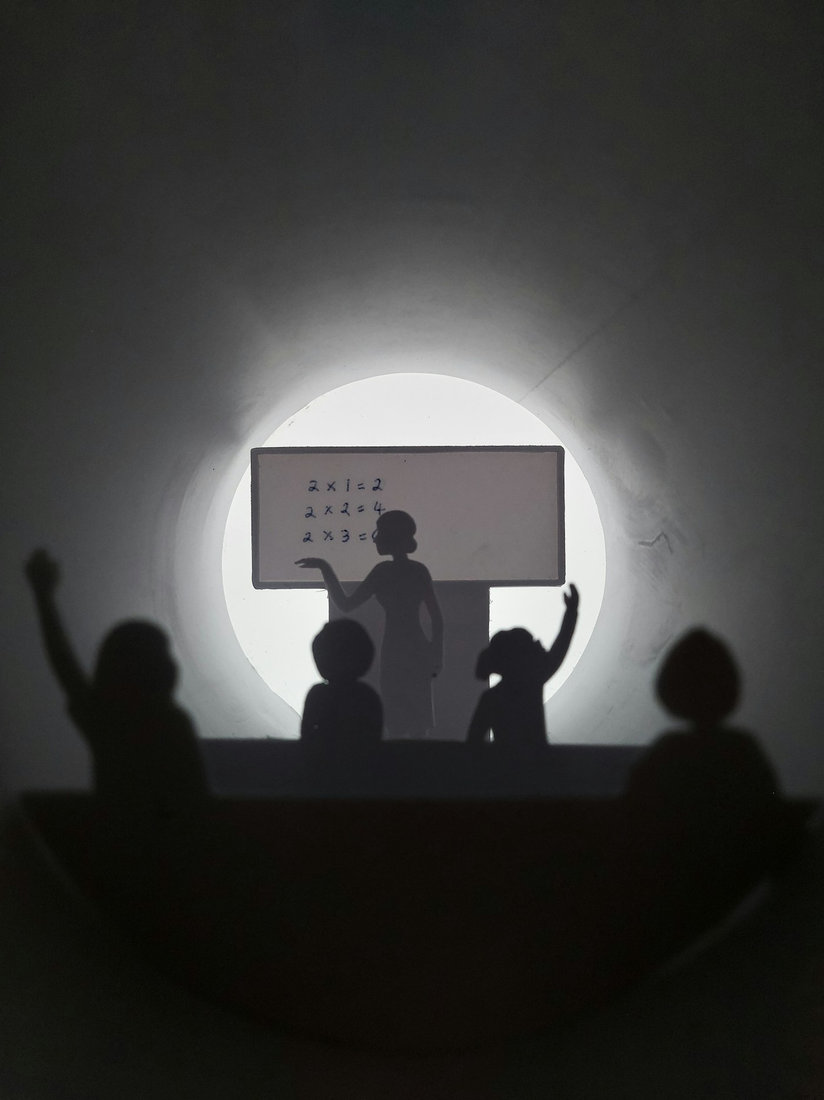
AI lesson planning works best when the teacher defines the destination and the tool helps explore routes. Begin with the curriculum standard, the knowledge or skill students must demonstrate, the lesson length, and the evidence that will show learning. Ask AI to suggest options, sequences, examples, questions, and adaptations. Keep decisions about purpose, difficulty, classroom culture, and student welfare with the teacher.
A useful planning brief is specific. State the year group, subject, prior knowledge, common misconceptions, available resources, accessibility needs, and any school policies that matter. Then request a draft with clear timings and transitions. A vague prompt such as “make a science lesson” usually produces generic activities. A precise brief gives the system enough context to create material worth reviewing.
Treat the first output as a planning conversation rather than a finished lesson. Ask why each activity supports the objective, where students may struggle, and what alternative would work without devices. Challenge examples that feel culturally narrow or too difficult. This questioning exposes weak assumptions early and makes the plan more responsive to the real class.
Teachers should also decide which tasks should remain fully human. Sensitive feedback, safeguarding decisions, judgments about behaviour, and high-stakes assessment require professional responsibility. AI can reduce preparation time, but it cannot observe the room, understand every relationship, or accept accountability for the outcome.
For a broader view of suitable school use cases, see How Is AI Used in Education? before deciding where planning support adds genuine value.
2. Start With Curriculum Goals and Learner Needs
Strong lessons begin with a narrow, observable learning goal. Instead of asking students to “understand fractions,” define what they should explain, compare, calculate, or create by the end. Give that goal to the AI and ask for success criteria in student-friendly language. Check every criterion against the curriculum and remove anything that adds unnecessary content or lowers the expected standard.
Next, map the starting point. List prerequisite knowledge, likely misconceptions, language demands, and what students learned recently. AI can help generate a short retrieval task or diagnostic question set, but the teacher must compare it with real evidence from previous work. This prevents a polished plan from being built on an inaccurate picture of the class.
Planning around learner needs does not mean creating thirty separate lessons. Identify a small number of barriers that are likely to affect access: unfamiliar vocabulary, weak background knowledge, reading load, working-memory demands, sensory needs, or limited confidence. Ask for supports that preserve the same learning goal, such as visual models, sentence stems, chunked instructions, worked examples, or structured peer talk.
Finally, decide what successful participation should look like. Some students may respond orally, use manipulatives, annotate a diagram, or type a short explanation before writing independently. Offering purposeful routes into the same objective improves access while keeping expectations coherent. Record these choices in the plan so support staff and substitute teachers can follow the reasoning.
This approach connects closely with personalized learning, where support changes according to evidence while the intended learning remains clear.
3. Build the Lesson Sequence and Learning Activities

Once the objective and starting point are clear, ask AI for a simple sequence: activate prior knowledge, model the new idea, practise together, practise independently, and check learning. This is a starting structure, not a rule. Adjust it for inquiry, discussion, practical work, creative subjects, or longer projects. The sequence should make the thinking visible and give students enough time to do the intellectual work.
Give each activity a purpose and a realistic duration. AI often produces too many tasks for one lesson, so remove attractive extras that do not advance the goal. Include transitions, distribution of materials, device setup, movement, and time to explain expectations. A plan that accounts for classroom logistics is far more usable than one that lists only academic activities.
Ask for two or three examples and non-examples that reveal the key concept. Review names, contexts, numbers, and references for accuracy and relevance. For complex content, request a worked example with each decision explained, then create a partially completed example for guided practice. Avoid copying generated facts, quotations, or citations until they have been checked against trusted sources.
Plan questions in advance. Include a few questions that recall knowledge, several that require explanation or comparison, and one that reveals a common misconception. Note who will answer, how all students will think before responses are taken, and what you will do if understanding is weak. Good questioning makes the lesson adaptive rather than dependent on the original timetable.
If digital support will run during the lesson, the guidance on an AI classroom assistant can help schools define safe, teacher-led roles.
4. Differentiate Safely for Diverse Learners

AI can quickly suggest variations in reading level, vocabulary support, task length, and representation. Use that speed carefully. Simplifying language should not remove the central concept, and extending a task should deepen thinking rather than merely add more questions. Compare every adaptation with the original objective and success criteria before it reaches students.
For multilingual learners, ask for key vocabulary, clear definitions, visual suggestions, and opportunities to connect ideas across languages. A translation can support access, but it should be checked by a competent speaker when accuracy matters. Avoid assuming that language proficiency reflects subject understanding. Students may reason at a high level even when they need support expressing that reasoning in English.
For students with additional needs, start from known support plans and teacher observation. AI may suggest chunked instructions, reduced visual clutter, predictable routines, alternative response formats, or sensory breaks. Select only strategies that fit the individual and the classroom. Never enter confidential diagnoses, names, assessment records, or personal circumstances into an unapproved tool.
Plan challenge through depth. Ask students to justify a method, compare strategies, test a claim, improve a model, or apply the idea in an unfamiliar context. AI can generate prompts, but the teacher should check that the challenge is intellectually meaningful and achievable with available knowledge. Everyone should encounter productive thinking, not a label-driven version of the lesson.
Schools exploring tailored support can compare these choices with an AI tutor implementation guide and keep teacher oversight explicit.
5. Create Checks for Understanding and Assessment

Every lesson plan needs evidence points. Decide what you will look, listen, or ask for before moving on. AI can draft hinge questions, mini-whiteboard prompts, sorting tasks, exit tickets, or short application problems. Check that each item measures the stated objective rather than reading stamina, obscure vocabulary, or an unrelated skill.
For multiple-choice questions, request plausible distractors linked to common misconceptions. Then verify that only one answer is defensible and that wording does not reveal the key. For open responses, create a compact rubric that describes the essential features of success. Use it to guide feedback, but avoid letting generated scoring replace professional judgment.
Plan responses to the evidence. If many students select a particular distractor, decide which explanation, model, or example you will use next. If most students are secure, prepare a deeper application. This branching plan turns assessment into action. It also makes the lesson resilient when learning moves faster or slower than expected.
After the lesson, record only useful patterns: which example clarified the idea, where students hesitated, which support improved access, and what needs revisiting. AI can help summarise anonymised notes when school policy allows, but raw student work and identifiable data should stay inside approved systems.
For longer-term patterns, read how AI learning analytics can support decisions when data quality, context, and privacy are handled responsibly.
6. Review, Protect Data, and Improve the Workflow
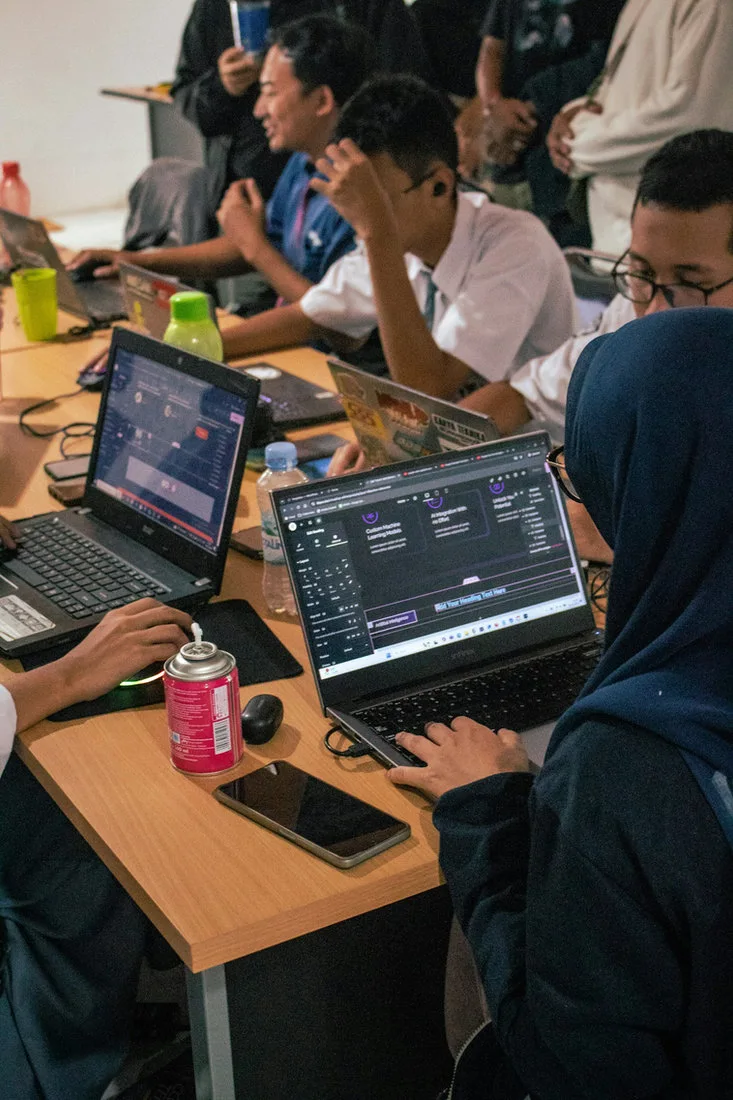
Before teaching, complete a human review. Confirm factual accuracy, curriculum alignment, timing, accessibility, resource availability, and the suitability of every example. Read instructions from a student's perspective and test links, files, and digital tools. Remove invented citations, biased assumptions, unsafe activities, or content that does not match the class.
Use only tools approved by the school. Do not paste names, contact details, behaviour records, medical information, individual education plans, photographs, or identifiable work into public AI systems. Check age restrictions, data retention, account settings, and whether material may be used for model training. When in doubt, use fictional or aggregated information and consult the school's data lead.
Keep a brief planning record: the prompt or template used, major edits, sources checked, and why adaptations were selected. This is useful for professional reflection and collaboration. It also makes clear that the teacher authored the final educational decision, even when AI accelerated brainstorming or formatting.
Improve the workflow one lesson at a time. Save prompts that produced useful structures, note the questions that exposed weak drafts, and share effective practices with colleagues. Measure success by lesson quality, student understanding, and manageable teacher workload rather than by how much generated content was used.
A shared AI policy for schools gives staff consistent rules for approved tools, privacy, review, and accountability.
For staff capability building, combine this workflow with AI professional development for teachers so review skills and classroom decisions improve together.
When engagement is a priority, the principles in AI-powered gamified learning can help teachers add meaningful challenge without losing the learning objective.
Frequently Asked Questions
Can AI write a complete lesson plan for a teacher?
It can produce a useful first draft, but the teacher must define the curriculum goal and review accuracy, difficulty, timing, accessibility, safeguarding, and assessment. The final plan should reflect real knowledge of the class and the school's policies.
What information should I include in an AI lesson-planning prompt?
Include the subject, year group, curriculum objective, prior knowledge, lesson length, resources, common misconceptions, language demands, accessibility needs, and the evidence students should produce. Exclude names and confidential student information.
How do I check an AI-generated lesson for accuracy?
Compare factual claims with trusted curriculum documents, textbooks, primary sources, or subject-authority guidance. Test calculations, links, quotations, and references. Ask a subject colleague to review unfamiliar or high-stakes material.
Can AI help differentiate a lesson?
Yes. It can suggest vocabulary support, worked examples, visual representations, chunked instructions, alternative response formats, and deeper extension questions. Teachers should select adaptations that preserve the core learning goal and fit known learner needs.
Is it safe to enter student data into an AI tool?
Do not enter identifiable or sensitive student data into a public or unapproved system. Follow school policy, data-protection requirements, age restrictions, and supplier terms. Use fictional, anonymised, or aggregated information whenever possible.
How can AI improve formative assessment?
It can draft hinge questions, distractors based on misconceptions, exit tickets, rubrics, and follow-up tasks. The teacher should verify that each item measures the intended learning and decide how classroom evidence changes the next teaching step.
Will AI lesson planning reduce teacher workload?
It can reduce time spent brainstorming, drafting examples, adapting text, and formatting resources. Savings depend on a repeatable prompt, strong review habits, approved tools, and realistic expectations. Poor drafts can create more work if context is vague.
How should schools introduce AI lesson planning?
Start with a small approved use case, publish clear privacy and review rules, provide practical professional development, and collect evidence from teachers and students. Expand only when quality, safety, and workload benefits are visible.
How often should an AI-assisted lesson plan be reviewed?
Review every plan before teaching and reflect after the lesson. Schools should also revisit tool approval, data practices, and staff guidance regularly because products, terms, and educational needs change over time.
Conclusion
AI lesson planning is most effective when it strengthens an already sound teaching process. Clear goals, accurate knowledge of learners, purposeful sequencing, inclusive support, useful assessment, and careful review remain the foundations. AI can accelerate drafts and expand options, while teachers provide context, judgment, relationships, and accountability.
Explore Mimic Education to see how practical AI and immersive learning solutions can support educators, schools, and students.