

What is spatial learning, and how can teachers use space, movement, models, and 3D experiences without turning the lesson into a technology demo?
What is spatial learning is best understood as a practical production question. The answer depends on the goal, the quality of the input, and the evidence needed at delivery. This guide explains the process for teachers, school leaders, curriculum teams, education technology leads, and learning designers without treating software or equipment as a substitute for planning.
The useful outcome is a lesson design that helps students build, manipulate, navigate, compare, or explain information through space and visual relationships. The following sections cover the core workflow, the decisions that change cost and quality, and the checks that prevent avoidable revisions. For related examples and services, explore Mimic Education and its current project guidance.
Table of Contents
What Is Spatial Learning?
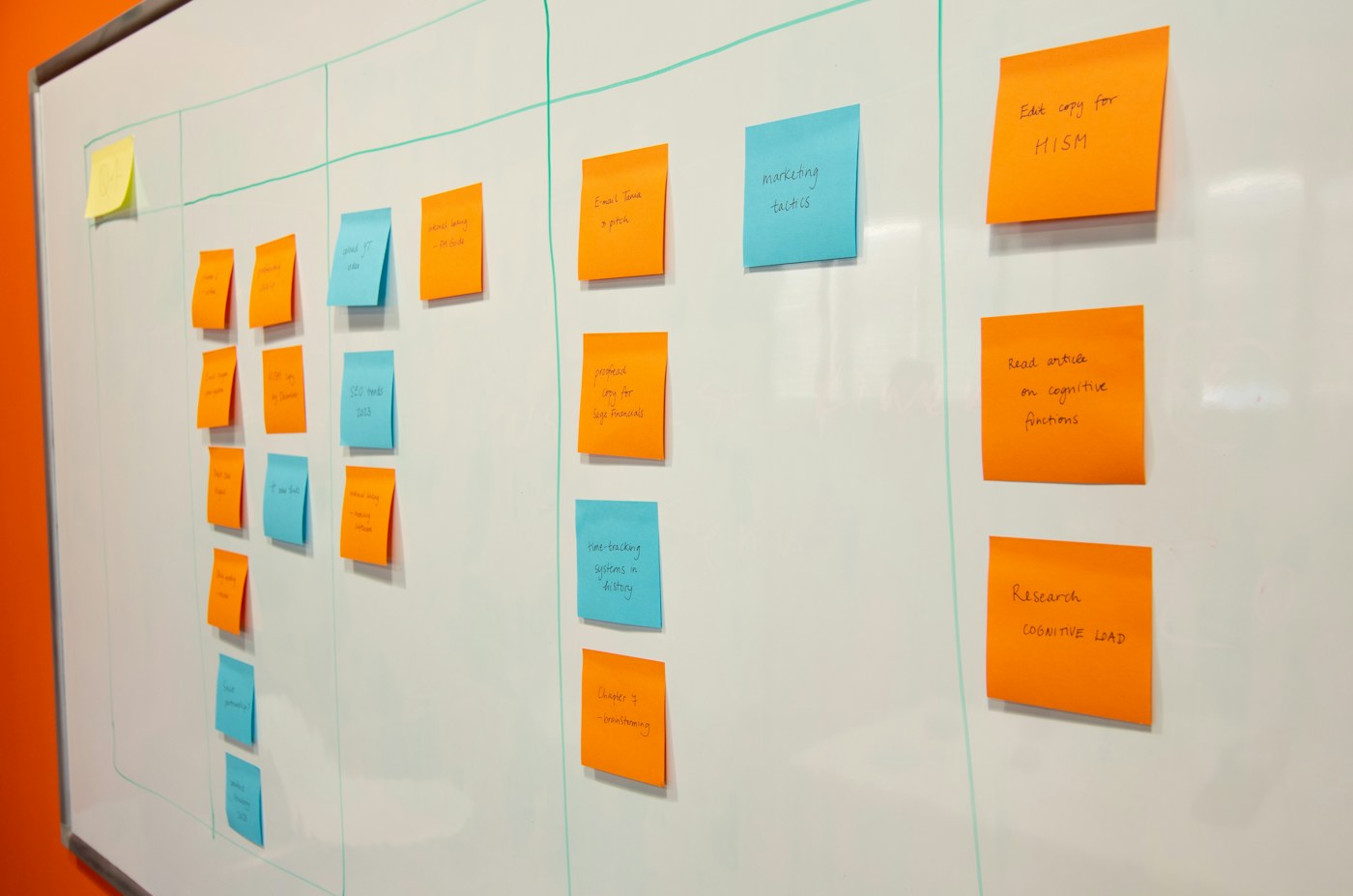
What Is Spatial Learning? starts with the job the work must do. For teachers, school leaders, curriculum teams, education technology leads, and learning designers, that means defining the decision, behaviour, or visible result before choosing tools. In spatial learning in education, the practical scope includes spatial relationships, mental models, navigation, rotation, scale, position, visualisation, and the difference between a skill and a teaching format. Each part should connect to a requirement that can be reviewed, not a vague request for a more advanced or more impressive result.
A reliable workflow separates inputs, working assumptions, production steps, and review evidence. The team records what came from the client, what was measured or observed, what was created, and which checks support approval. This structure makes revisions easier to diagnose. It also lets another artist, engineer, teacher, or producer understand why a choice was made instead of repeating the work from the beginning.
The common failure is to optimise one visible detail while ignoring the system around it. A polished output can still fail when timing, scale, continuity, context, accessibility, or delivery requirements are wrong. Teams should test the work in the environment where it will be used, record specific problems, and assign fixes to the right stage. Late cosmetic changes cannot repair a weak brief or missing source information. See a related Mimic Education guide for a connected production example.
For planning, turn this section into a short checklist: confirm the intended user, list the source material, name the owner of each approval, define the output format, and agree on one test that would reveal a bad result. Review early samples before scaling the process. This protects the schedule and keeps effort focused on a lesson design that helps students build, manipulate, navigate, compare, or explain information through space and visual relationships.
Where Is Spatial Learning Used in School?
Where Is Spatial Learning Used in School? starts with the job the work must do. For teachers, school leaders, curriculum teams, education technology leads, and learning designers, that means defining the decision, behaviour, or visible result before choosing tools. In spatial learning in education, the practical scope includes mathematics, science, geography, engineering, art, anatomy, history, vocational training, and everyday problem solving. Each part should connect to a requirement that can be reviewed, not a vague request for a more advanced or more impressive result.
A reliable workflow separates inputs, working assumptions, production steps, and review evidence. The team records what came from the client, what was measured or observed, what was created, and which checks support approval. This structure makes revisions easier to diagnose. It also lets another artist, engineer, teacher, or producer understand why a choice was made instead of repeating the work from the beginning.
The common failure is to optimise one visible detail while ignoring the system around it. A polished output can still fail when timing, scale, continuity, context, accessibility, or delivery requirements are wrong. Teams should test the work in the environment where it will be used, record specific problems, and assign fixes to the right stage. Late cosmetic changes cannot repair a weak brief or missing source information. See a related Mimic Education guide for a connected production example.
For planning, turn this section into a short checklist: confirm the intended user, list the source material, name the owner of each approval, define the output format, and agree on one test that would reveal a bad result. Review early samples before scaling the process. This protects the schedule and keeps effort focused on a lesson design that helps students build, manipulate, navigate, compare, or explain information through space and visual relationships.
How Can Teachers Design a Spatial Learning Activity?
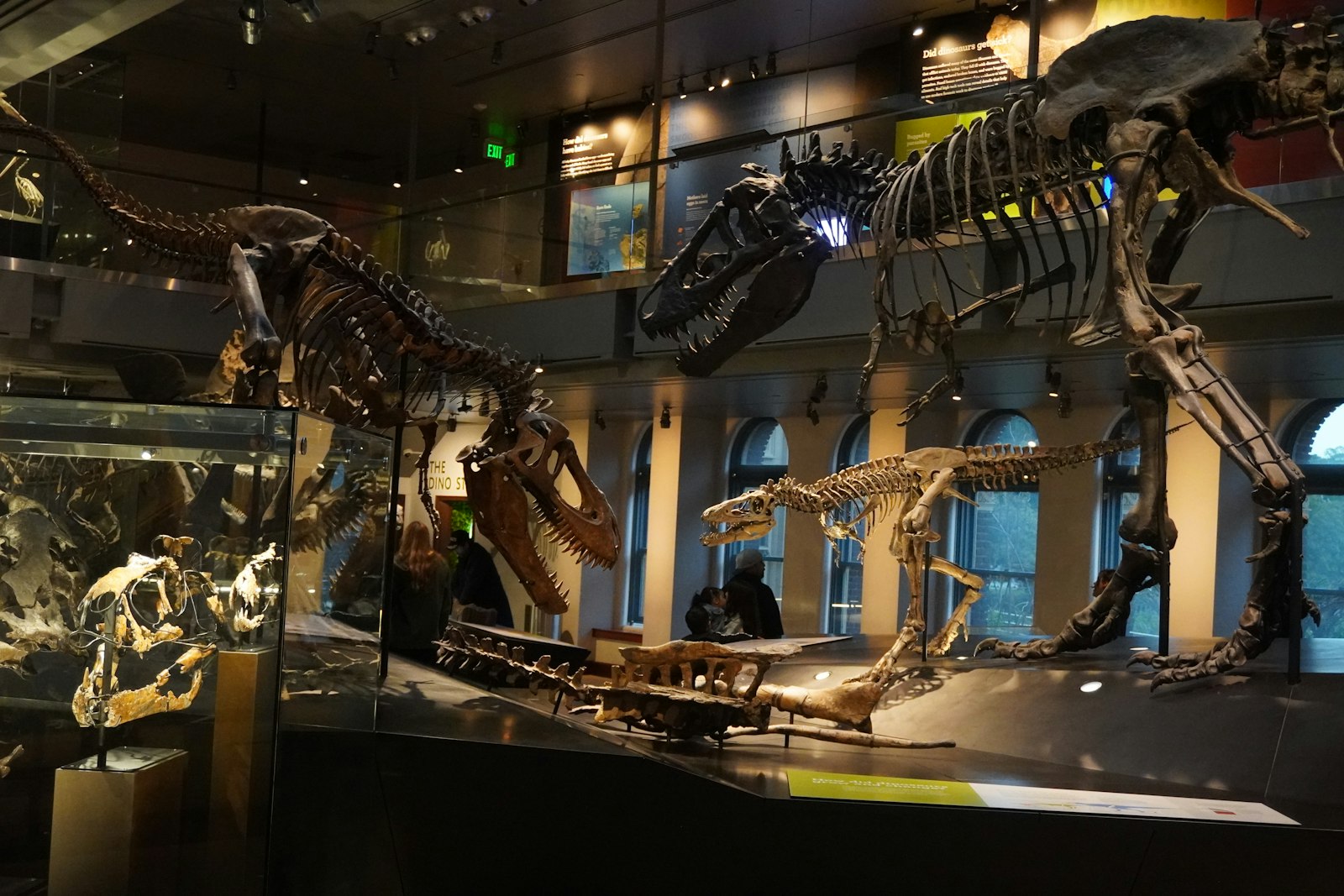
How Can Teachers Design a Spatial Learning Activity? starts with the job the work must do. For teachers, school leaders, curriculum teams, education technology leads, and learning designers, that means defining the decision, behaviour, or visible result before choosing tools. In spatial learning in education, the practical scope includes clear outcomes, physical models, maps, diagrams, gestures, manipulatives, 3D scenes, guided questions, and reflection after exploration. Each part should connect to a requirement that can be reviewed, not a vague request for a more advanced or more impressive result.
A reliable workflow separates inputs, working assumptions, production steps, and review evidence. The team records what came from the client, what was measured or observed, what was created, and which checks support approval. This structure makes revisions easier to diagnose. It also lets another artist, engineer, teacher, or producer understand why a choice was made instead of repeating the work from the beginning.
The common failure is to optimise one visible detail while ignoring the system around it. A polished output can still fail when timing, scale, continuity, context, accessibility, or delivery requirements are wrong. Teams should test the work in the environment where it will be used, record specific problems, and assign fixes to the right stage. Late cosmetic changes cannot repair a weak brief or missing source information. See a related Mimic Education guide for a connected production example.
For planning, turn this section into a short checklist: confirm the intended user, list the source material, name the owner of each approval, define the output format, and agree on one test that would reveal a bad result. Review early samples before scaling the process. This protects the schedule and keeps effort focused on a lesson design that helps students build, manipulate, navigate, compare, or explain information through space and visual relationships.
How Do VR, AR, and 3D Tools Support Spatial Learning?

How Do VR, AR, and 3D Tools Support Spatial Learning? starts with the job the work must do. For teachers, school leaders, curriculum teams, education technology leads, and learning designers, that means defining the decision, behaviour, or visible result before choosing tools. In spatial learning in education, the practical scope includes scale, presence, safe practice, impossible viewpoints, interaction, collaboration, device choices, and when a simple physical model is better. Each part should connect to a requirement that can be reviewed, not a vague request for a more advanced or more impressive result.
A reliable workflow separates inputs, working assumptions, production steps, and review evidence. The team records what came from the client, what was measured or observed, what was created, and which checks support approval. This structure makes revisions easier to diagnose. It also lets another artist, engineer, teacher, or producer understand why a choice was made instead of repeating the work from the beginning.
The common failure is to optimise one visible detail while ignoring the system around it. A polished output can still fail when timing, scale, continuity, context, accessibility, or delivery requirements are wrong. Teams should test the work in the environment where it will be used, record specific problems, and assign fixes to the right stage. Late cosmetic changes cannot repair a weak brief or missing source information. See a related Mimic Education guide for a connected production example.
For planning, turn this section into a short checklist: confirm the intended user, list the source material, name the owner of each approval, define the output format, and agree on one test that would reveal a bad result. Review early samples before scaling the process. This protects the schedule and keeps effort focused on a lesson design that helps students build, manipulate, navigate, compare, or explain information through space and visual relationships.
How Do You Make Spatial Learning Accessible?

How Do You Make Spatial Learning Accessible? starts with the job the work must do. For teachers, school leaders, curriculum teams, education technology leads, and learning designers, that means defining the decision, behaviour, or visible result before choosing tools. In spatial learning in education, the practical scope includes alternative representations, narration, captions, keyboard control, seated use, low-vision support, cognitive load, motion comfort, and equitable device access. Each part should connect to a requirement that can be reviewed, not a vague request for a more advanced or more impressive result.
A reliable workflow separates inputs, working assumptions, production steps, and review evidence. The team records what came from the client, what was measured or observed, what was created, and which checks support approval. This structure makes revisions easier to diagnose. It also lets another artist, engineer, teacher, or producer understand why a choice was made instead of repeating the work from the beginning.
The common failure is to optimise one visible detail while ignoring the system around it. A polished output can still fail when timing, scale, continuity, context, accessibility, or delivery requirements are wrong. Teams should test the work in the environment where it will be used, record specific problems, and assign fixes to the right stage. Late cosmetic changes cannot repair a weak brief or missing source information. See a related Mimic Education guide for a connected production example.
For planning, turn this section into a short checklist: confirm the intended user, list the source material, name the owner of each approval, define the output format, and agree on one test that would reveal a bad result. Review early samples before scaling the process. This protects the schedule and keeps effort focused on a lesson design that helps students build, manipulate, navigate, compare, or explain information through space and visual relationships.
How Can Schools Assess Spatial Learning?
How Can Schools Assess Spatial Learning? starts with the job the work must do. For teachers, school leaders, curriculum teams, education technology leads, and learning designers, that means defining the decision, behaviour, or visible result before choosing tools. In spatial learning in education, the practical scope includes explanations, drawings, model building, route planning, transfer tasks, observation rubrics, misconceptions, and evidence beyond novelty or engagement. Each part should connect to a requirement that can be reviewed, not a vague request for a more advanced or more impressive result.
A reliable workflow separates inputs, working assumptions, production steps, and review evidence. The team records what came from the client, what was measured or observed, what was created, and which checks support approval. This structure makes revisions easier to diagnose. It also lets another artist, engineer, teacher, or producer understand why a choice was made instead of repeating the work from the beginning.
The common failure is to optimise one visible detail while ignoring the system around it. A polished output can still fail when timing, scale, continuity, context, accessibility, or delivery requirements are wrong. Teams should test the work in the environment where it will be used, record specific problems, and assign fixes to the right stage. Late cosmetic changes cannot repair a weak brief or missing source information. See a related Mimic Education guide for a connected production example.
For planning, turn this section into a short checklist: confirm the intended user, list the source material, name the owner of each approval, define the output format, and agree on one test that would reveal a bad result. Review early samples before scaling the process. This protects the schedule and keeps effort focused on a lesson design that helps students build, manipulate, navigate, compare, or explain information through space and visual relationships.
Frequently Asked Questions
What is spatial learning in simple terms?
Spatial learning helps a person understand where things are, how they relate, how they move, and how a structure changes when viewed or manipulated.
Is spatial learning only for visual learners?
No. Spatial reasoning can combine sight, touch, movement, language, sound, and physical action. Lessons should offer more than one way to access the idea.
Which subjects use spatial skills?
Mathematics, science, engineering, geography, art, design, anatomy, vocational learning, sports, and navigation all use spatial reasoning.
Do schools need VR for spatial learning?
No. Blocks, maps, diagrams, physical models, movement, drawing, and classroom objects can support strong spatial learning. VR adds value only when its capabilities fit the outcome.
How does AR support spatial learning?
AR can place labels, models, instructions, or simulations over the physical environment, helping students connect an abstract representation with a real object or place.
Can spatial skills improve with practice?
Yes. Structured practice with rotation, scale, mapping, model construction, perspective, and explanation can develop spatial reasoning.
How can teachers reduce motion discomfort in VR?
Use short sessions, stable viewpoints, teleport movement, seated options, adjustable settings, clear stopping rules, and equivalent non-headset activities.
How should spatial learning be assessed?
Ask students to predict, build, draw, navigate, compare, explain, or transfer a relationship to a new problem. Do not measure success only by enjoyment.
What is a common teaching mistake?
A common mistake is giving students an impressive 3D experience without a specific task, guiding question, or reflection that connects it to the curriculum.
How can schools start small?
Choose one difficult concept, define the learning evidence, test a low-cost physical or screen-based activity, collect teacher and student feedback, and expand only when results justify it.
Conclusion
What is spatial learning is not answered by one tool or one preset. Strong work begins with a clear objective, dependable inputs, a controlled process, and review evidence that matches the real use case. That approach makes quality easier to explain, budget, repeat, and improve.
If you are planning a project involving spatial learning in education, contact Mimic Education to discuss the brief, source material, production steps, review points, and final deliverables.